Pixel stretch ideas: what to point it at
By Emre Ertunc · Published July 7, 2026 · Updated August 7, 2026 · 5 min read
Learning the technique takes a minute. Finding a photo that deserves it takes longer. Every example on this page was made in the same editor the app ships with. Here's what each kind of subject gives you, and what to look for before you stretch.
What kind of photo works best for a pixel stretch?
One with two things in it: a strip of color that stands out from the background, and a subject that suggests which direction the ribbon should travel. Cars, skiers, players in bright kits, lit skylines, and patterned clothing all qualify. A flat, low-contrast frame gives the stretch nothing to carry.
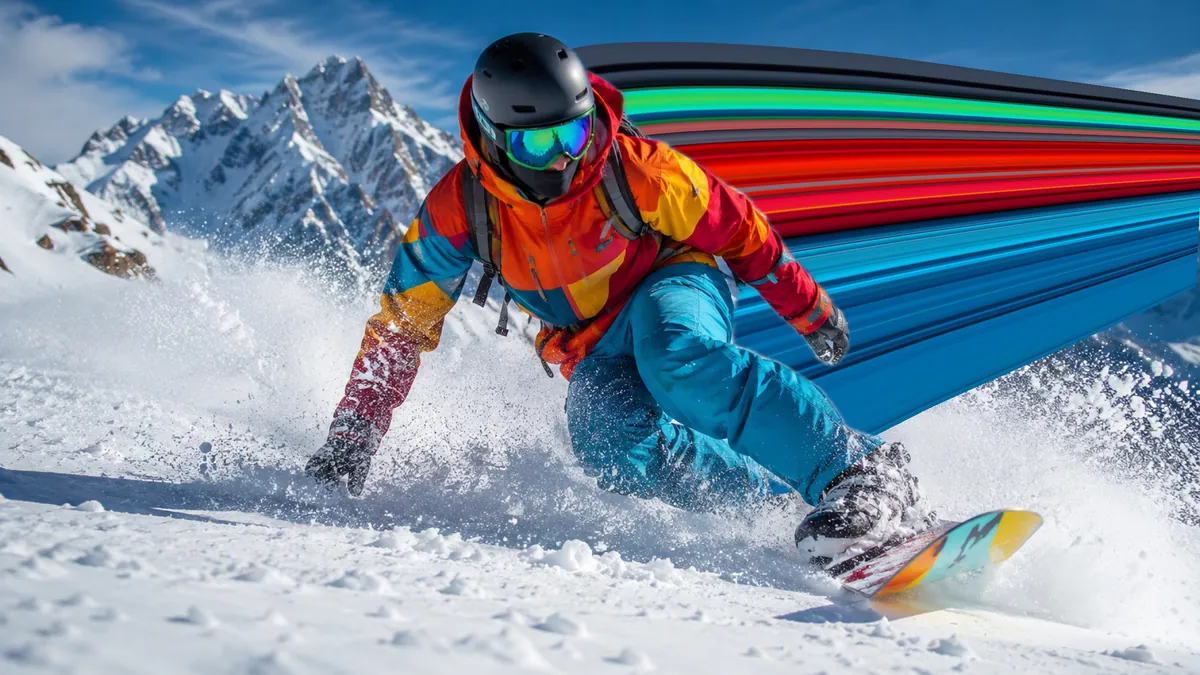
One rule before the list: the effect feeds on contrast and direction. It wants a strip of color that stands out from the background, and a subject that suggests which way the ribbon should travel. Everything below is that rule wearing different clothes.
Cars first, obviously
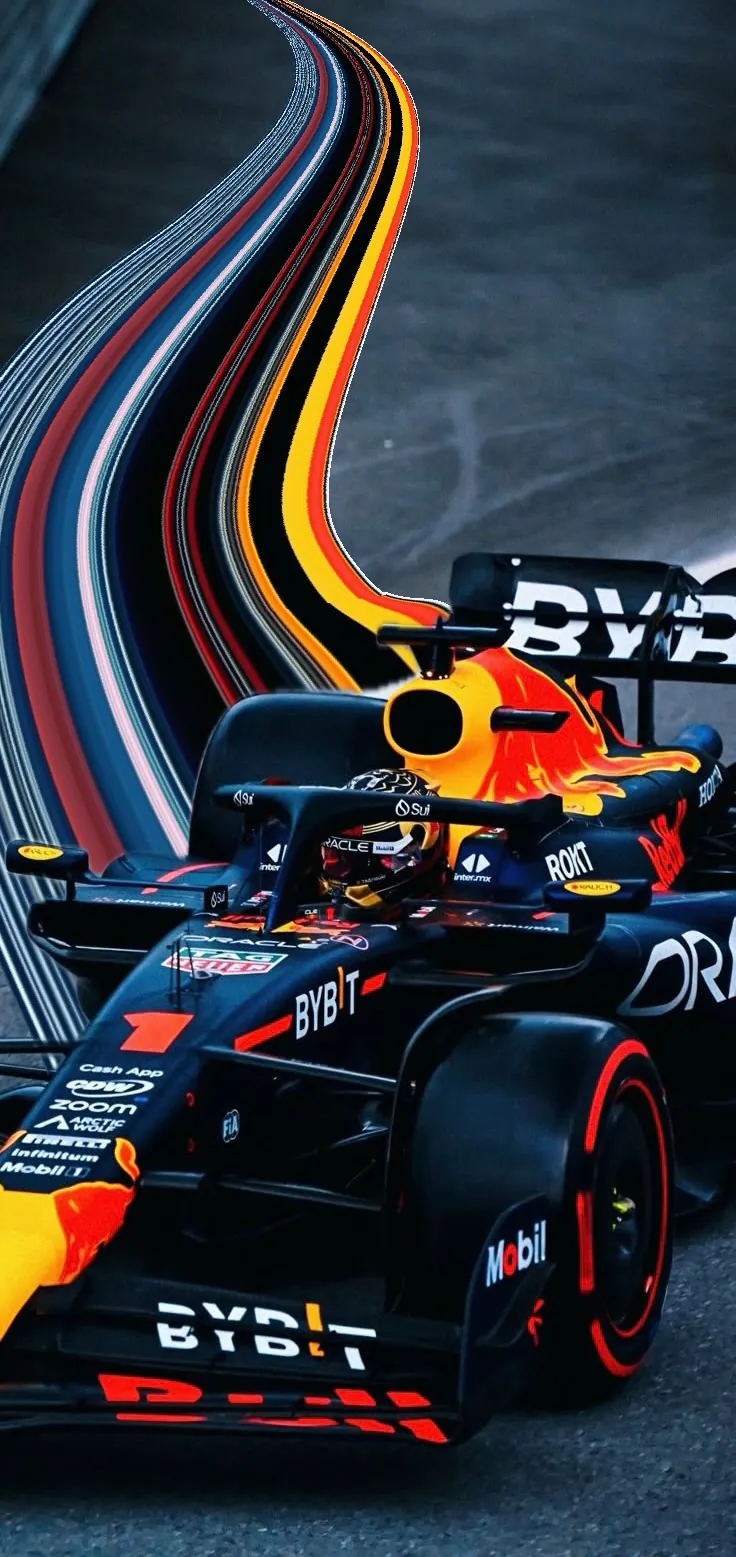
The current wave of the trend runs on car photos, and for good reason: glossy paint is a ready-made band of color, and taillights stretch into perfect light trails. Pull the ribbon out of the tail, never the nose, and the car reads as fast even if it was parked. The car photo guide covers the full edit from color sampling to the final curve.
Anyone moving through a landscape
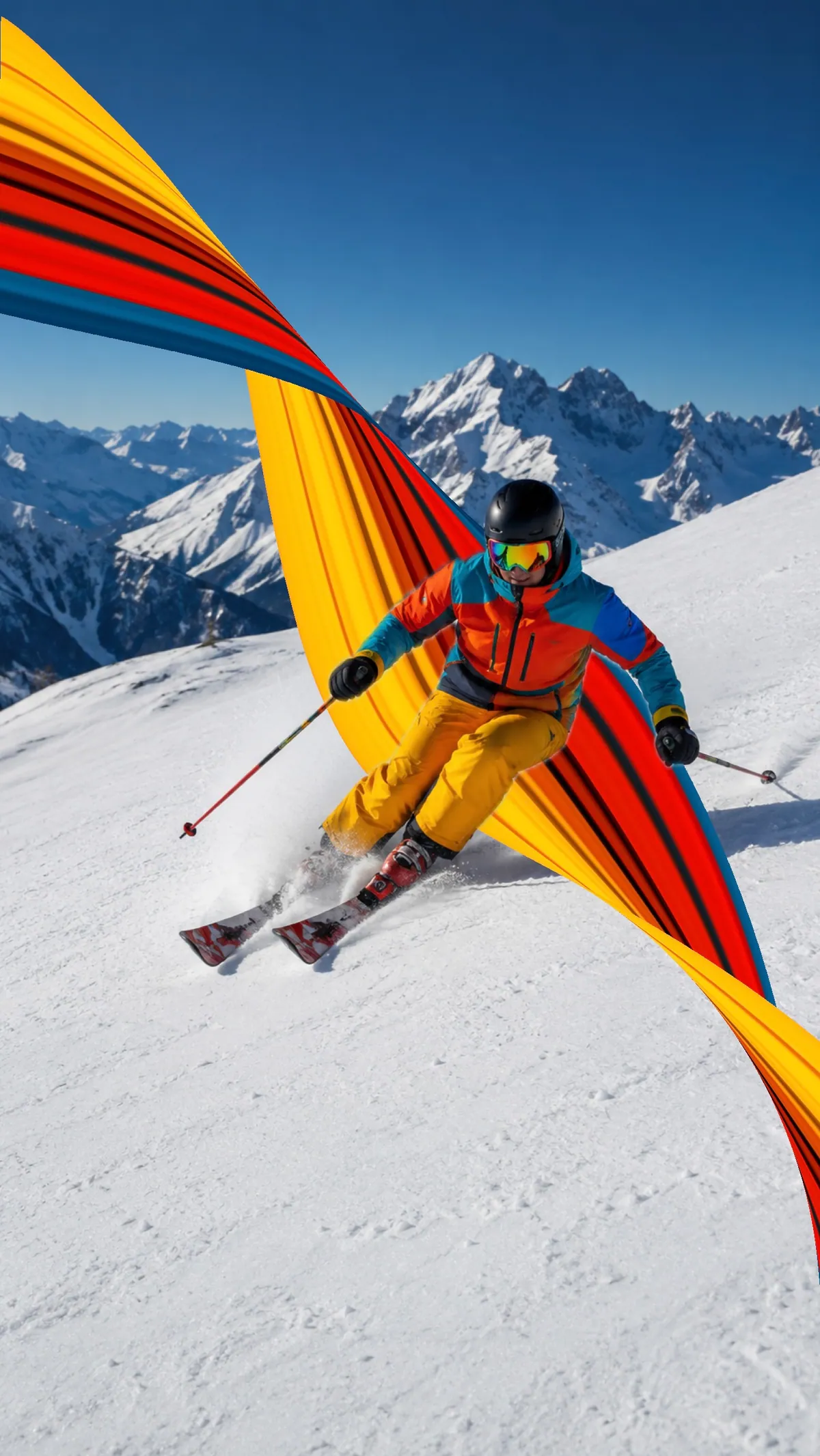
Skiers and snowboarders are the easy case. Snow is the cleanest background you will ever get, so a jacket in orange or red hands the sampler a loud, isolated strip of color, and the line down the slope tells the ribbon exactly where to go. Pull the stretch uphill, back along the track they've already carved.
The same logic covers hikers, cyclists and runners. The photo at the top of this page is a trail runner with the ribbon pulled back along the path: bright shoes or a bright vest give you the strip, and the trail draws the curve for you.
Kits and jerseys
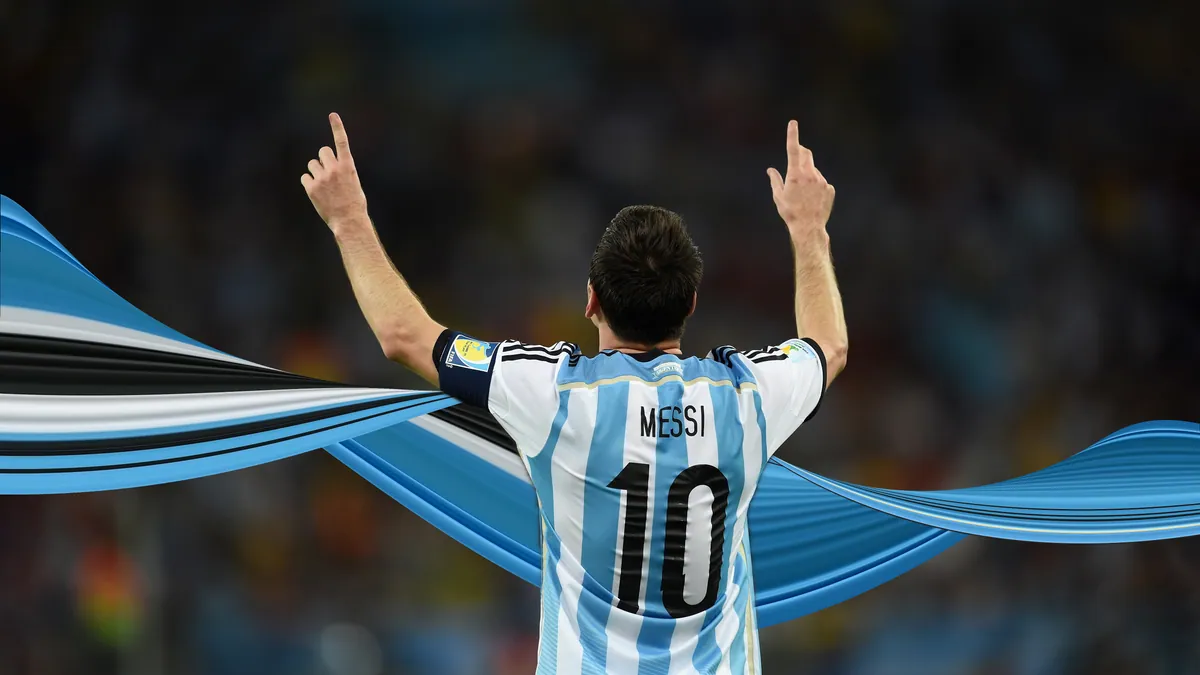
It's not the sport, it's the kit. A football shirt is designed to be read from the top row of a stadium, which makes it a ready-made block of color. Sample across the shirt and the number, then pull against the direction of the sprint. When a usable subject mask is available, Smart Subject can keep the player crisp against a busy crowd.
Skylines, pulled straight up
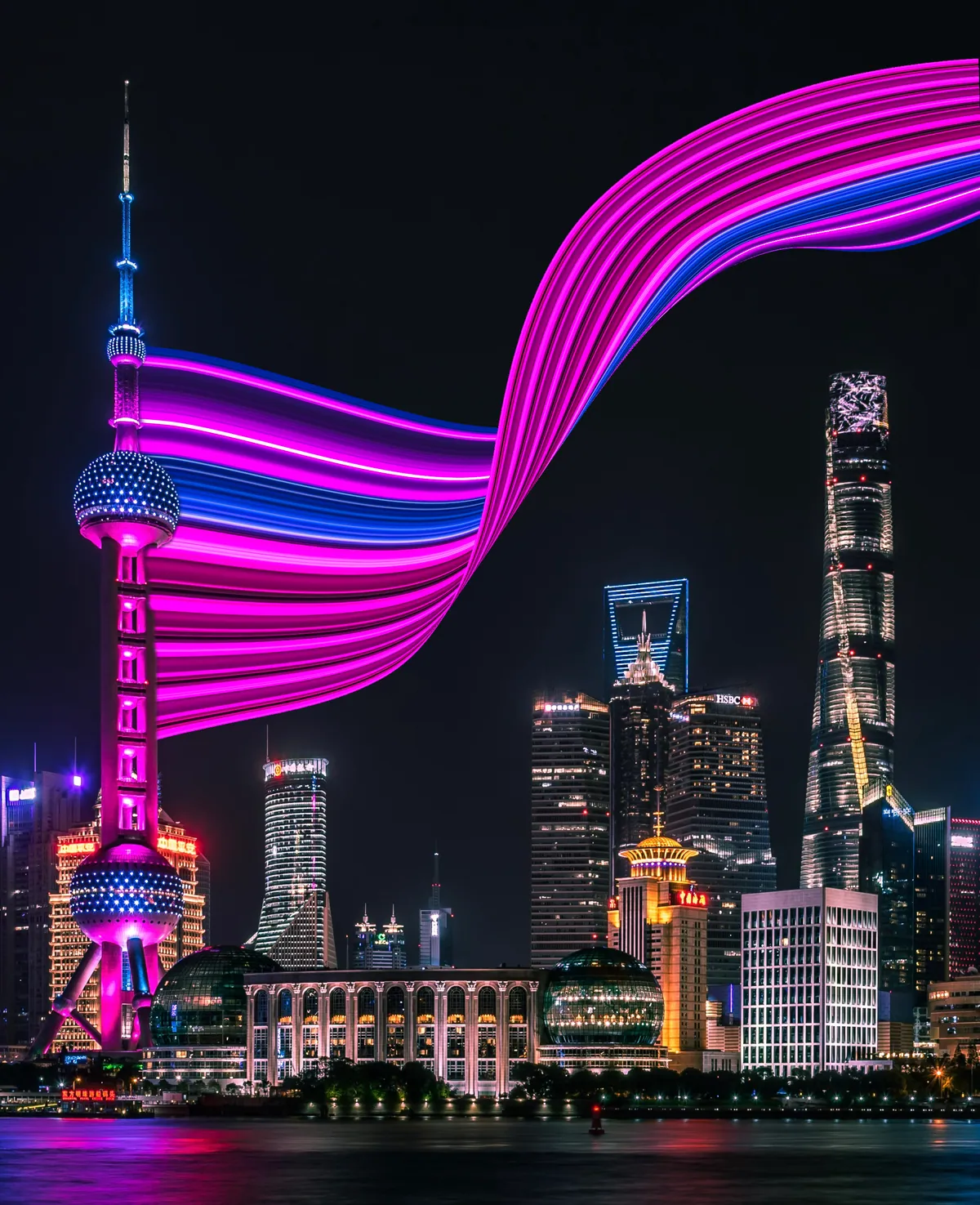
Cities break the direction rule and get away with it. There's no motion to follow, so the stretch becomes pure abstraction: lift the lit windows and rooftops upward and the city smears into the sky like wet paint. This is the version that ends up as a phone wallpaper.
Calm water, long curves
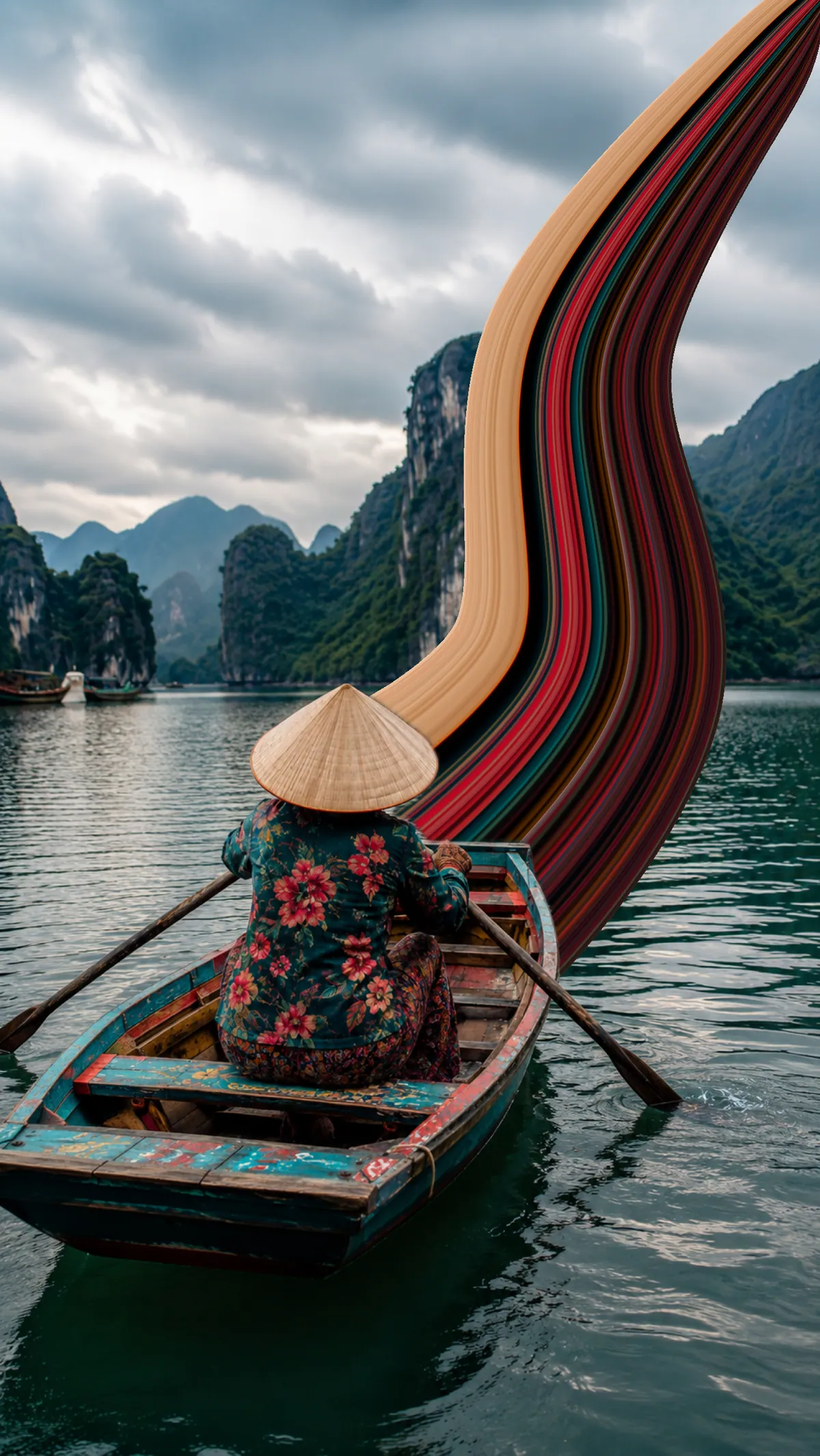
Not everything has to feel fast. A sail, a dress, a painted hull: on water, each sits against a soft, even backdrop as one isolated piece of color. Give these a single long, low arc rather than a tight S-bend; stretched slowly, they land closer to a painting than a sports photo.
Portraits, if the clothes play along
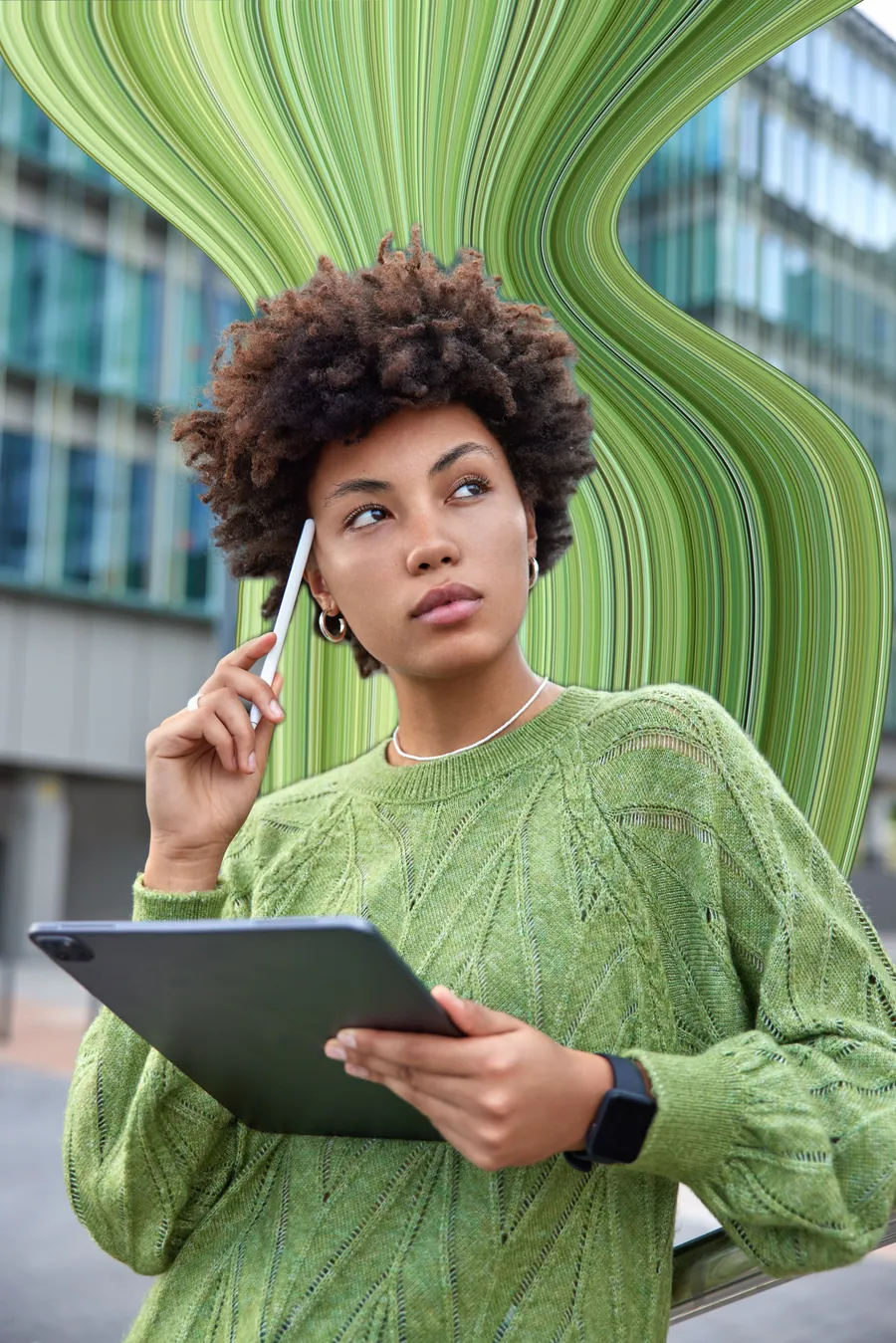
Portraits work when the clothing does. A floral dress, a striped jacket, patterned fabric of any kind: prints stretch into ribbons with real depth instead of a flat band. A strong solid earns its place too; the portrait below is one green sweater pulled into a whole wall of stripes. The portrait guide explains where to sample and how to keep the face still.
If a photo you love isn't on this list, run it through the rule at the top: is there a strip of color that stands out, and is there a direction for it to travel? Two yeses and it will stretch. The full technique (bar, curve, control points, save) is in How to make the pixel stretch effect, and if you're still wondering where this look came from, start with What is the pixel stretch effect?.
Frequently asked
Does pixel stretch work on landscapes and cityscapes?
Very well, just differently. With no moving subject the stretch turns abstract: pulling a skyline straight up, or a sunset across the sky, reads as art rather than motion.
Which colors stretch the best?
Loud, separated ones. Orange, red, and yellow against snow, sky, or asphalt give the cleanest ribbons because the sampled strip stays legible over a long pull. Patterns beat solids, since stripes and prints carry their own detail into the stretch instead of flattening into a single band.
Can you pixel stretch a photo of a pet or an animal?
Yes, and the same rule decides it: fur or feathers need to contrast with what is behind them. A ginger cat on a dark rug, a parrot, or a horse in bright tack all work. Pull the ribbon away from the eyes, exactly as you would in a portrait.
Do pixel stretch edits make good phone wallpapers?
They are one of the better uses for the effect. Pull a skyline or a block of color straight up the frame, leave the lower third quiet so icons stay readable, and export at full resolution. Vertical photos with lots of sky are the easiest starting point.
Does the effect work on night photos?
Night shots are among the strongest sources, because lights are already isolated points of color. Sample across taillights, neon, or lit windows and the ribbon reads as a light trail. Dark, evenly lit scenes with no visible light source are the ones that fall flat.
How many stretches should one photo have?
Usually one. A single confident ribbon gives the eye a direction to follow, while two or three start competing with the subject and each other. If one stretch feels thin, widen or extend it before adding a second.